PPI calculator: pixel density from resolution and screen size
Pixels per inch is the diagonal pixel count divided by the diagonal length in inches: PPI = √(width² + height²) ÷ diagonal. Type any resolution and screen size below to get PPI, aspect ratio and megapixels instantly; the same calculator, with 227 preset sizes for every iPhone, iPad, Watch, Mac and the major social and print formats, is in Screen Specs for iPhone, offline.
Calculator
Enter the screen's pixel resolution and its diagonal size in inches. Nothing is uploaded; the maths runs on this page.
- Pixels per inch
- –
- Aspect ratio
- –
- Megapixels
- –
- Diagonal in pixels
- –
PPI = √(width² + height²) ÷ diagonal. Runs in your browser; nothing is sent anywhere. Defaults are iPhone 17's 1206 × 2622 at 6.3″.
Worked examples from Apple's own numbers
iPhone 17 renders 1206 × 2622 pixels on a 6.3-inch display. √(1206² + 2622²) is 2886 pixels along the diagonal; divided by 6.3 that is 458 PPI, against Apple's quoted 460 — the gap is rounding of the diagonal, which Apple states to one decimal. iPhone 13 mini: 1080 × 2340 on 5.4 inches gives 2577 ÷ 5.4 = 477 PPI (Apple: 476). Expect a difference of a few PPI from any spec sheet for that reason.
| Device | Pixels | Diagonal | Computed PPI | Aspect ratio |
|---|---|---|---|---|
| iPhone 17 | 1206 × 2622 | 6.3″ | 458 | 1:2.17 (≈ 9:19.6) |
| iPhone 13 mini | 1080 × 2340 | 5.4″ | 477 | 1:2.17 (≈ 9:19.5) |
| Full HD monitor | 1920 × 1080 | 24″ | 92 | 16:9 |
| 4K monitor | 3840 × 2160 | 27″ | 163 | 16:9 |

PPI, points and the @2x / @3x scale factor
On iOS you lay out screens in points, not pixels. A point is one pixel on the original iPhone, two on @2x devices and three on @3x devices, so the iPhone 17's 1206 × 2622 pixels are 402 × 874 points at @3x. Designers export assets at 1×, 2× and 3×; developers read `UIScreen.scale`. PPI tells you how physically dense those pixels are, which is why a 3× phone and a 2× iPad can both look sharp at very different PPI: the iPad is held further away.
Screen Specs lists points, pixels, scale factor, PPI, aspect ratio and top and bottom safe-area insets for each device entry, which are the numbers you need to lay out a screen and the ones most spec sheets skip.

Aspect ratio lock and side-by-side compare
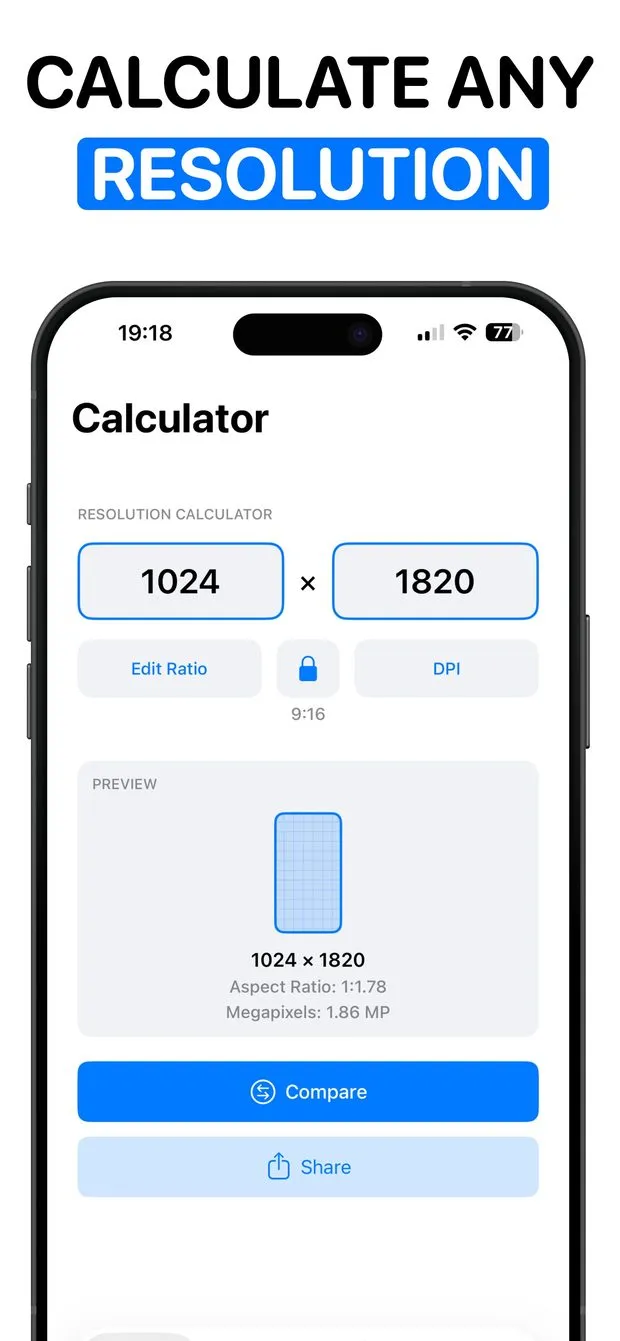
Two related tools in the app: lock an aspect ratio and change one side so the other follows (for resizing an image to 9:16 or 4:5 without arithmetic), and compare two resolutions side by side with pixel counts, megapixels and the difference between them. The calculator and the size database are free; side-by-side compare and unlimited custom sizes are premium.
What this cannot do
- The calculator assumes square pixels and a rectangular active area, which is true of every current phone, tablet and monitor but not of some older or specialty displays.
- Computed PPI will differ from a manufacturer's figure by a few units because diagonals are quoted rounded.
- PPI says nothing about perceived sharpness at a given viewing distance; that depends on distance as well as density.
- Screen Specs is iPhone only, iOS 15 or later; there is no iPad, Mac or web version of the app.
Questions people ask
What is the difference between PPI and DPI?
PPI is pixels per inch on a screen; DPI is dots per inch a printer lays down. People use them interchangeably for screens, and Screen Specs' print presets (A4 at 300 DPI, for example) use DPI because that is the print term.
How do I get points from pixels on iPhone?
Divide the pixel dimensions by the device's scale factor: 2 for @2x devices, 3 for @3x. Screen Specs lists both values and the scale for each device so you do not have to look the factor up.

Screen Specs: Sizes & DPI
227 device, social, ad, print and video sizes with PPI and safe-area insets.
- Samsung Galaxy S and Google Pixel screen resolutions: S20–S25 and Pixel 4–10
- App Store screenshot sizes (2026): iPhone, iPad, icon, and Google Play
- Apple Watch screen sizes and resolutions by series and case size
- Display ad sizes: the standard banner, MPU, leaderboard and mobile units in pixels
- iPad screen sizes and resolutions: every model in points and pixels
- iPhone safe-area insets by model: top and bottom, in points
- iPhone screen sizes and resolutions: every model, in points and pixels
- Mac screen resolutions: MacBook, iMac and Apple displays in pixels and points
- Paper sizes in pixels at 300 DPI: A4, A3, Letter, business cards and more
- Social media image sizes (2026): every platform's post, story, profile and cover dimensions
- Video resolutions list: SD, 720p, 1080p, 2K, 4K, 5K, 6K and 8K in pixels