How to read a script while recording video on iPhone (and still look at the camera)
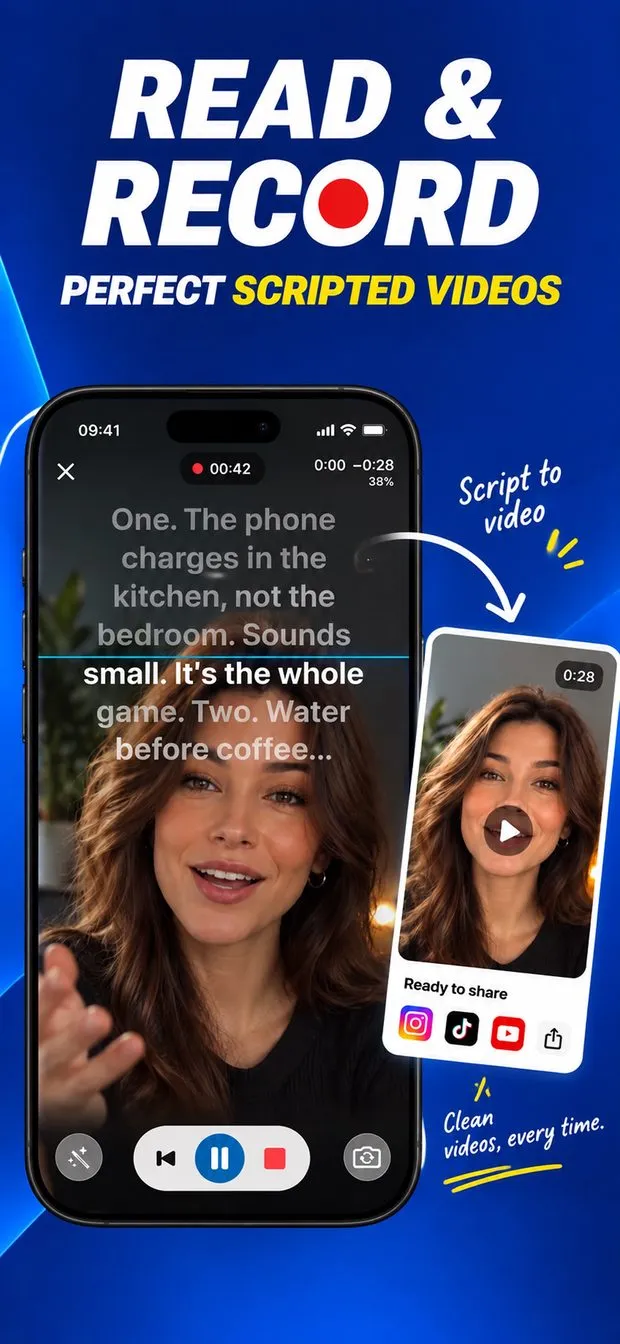
Put the script where your eyes already are: directly under the front camera. In Teleprompter the text scrolls at the top of the screen while you record with the front or back camera in 720p, 1080p or 4K, so your gaze stays a few millimetres from the lens and your face stays in frame below it. Turn on Follow my voice and the script moves as you speak and waits when you pause. Recording is free.
Why the top of the screen matters
Viewers notice when your eyes drop to the middle of the phone. The closer the line you are reading is to the lens, the less your gaze moves, so the app keeps the text in the top part of the screen, under the camera, rather than across the whole display. Keep the font large enough to read at arm's length and the margins narrow so each line stays short: your eyes sweep less, and the camera sees less of it.
Pick a pace before you hit record
There are three pacing modes. Fixed speed scrolls at a steady rate. Finish on time takes a target length and lands the last line exactly on it, which is useful for a 60-second short. Follow my voice listens and moves with you — see how voice scrolling works. A reading guide (a line, a band, arrows or a focus effect) marks the line to read.

After the take
Takes are saved to the Recordings tab or straight to Photos. Any take can be exported as an .srt caption file, which YouTube and most editors import as subtitles. If you are filming yourself and cannot reach the phone, drive the prompter with a clicker or pedal: remote, pedal and keyboard control.

Record while reading a script — step by step
Write or paste the script
Create a script in the editor. The free version holds one script of your own; Pro adds unlimited scripts and import from PDF, Word, RTF and text files.
Choose the pacing
Fixed speed, Finish on time, or Follow my voice.
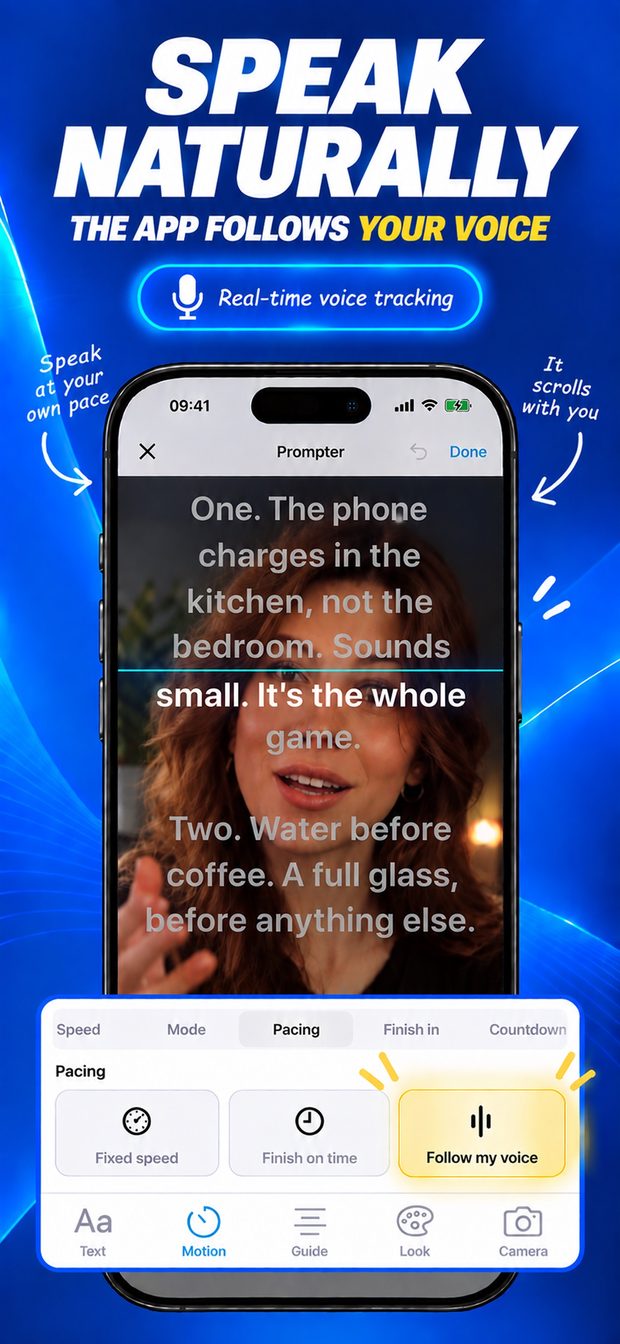
Prompter screen with the pacing options Fixed speed, Finish on time and Follow my voice, with real-time voice tracking on Open the camera and frame the shot
Pick front or back camera and 720p, 1080p or 4K, with or without sound. The script sits at the top, under the lens.
Record
A countdown runs before the take. Read to the lens; cue points can pause the script at the moments you marked.
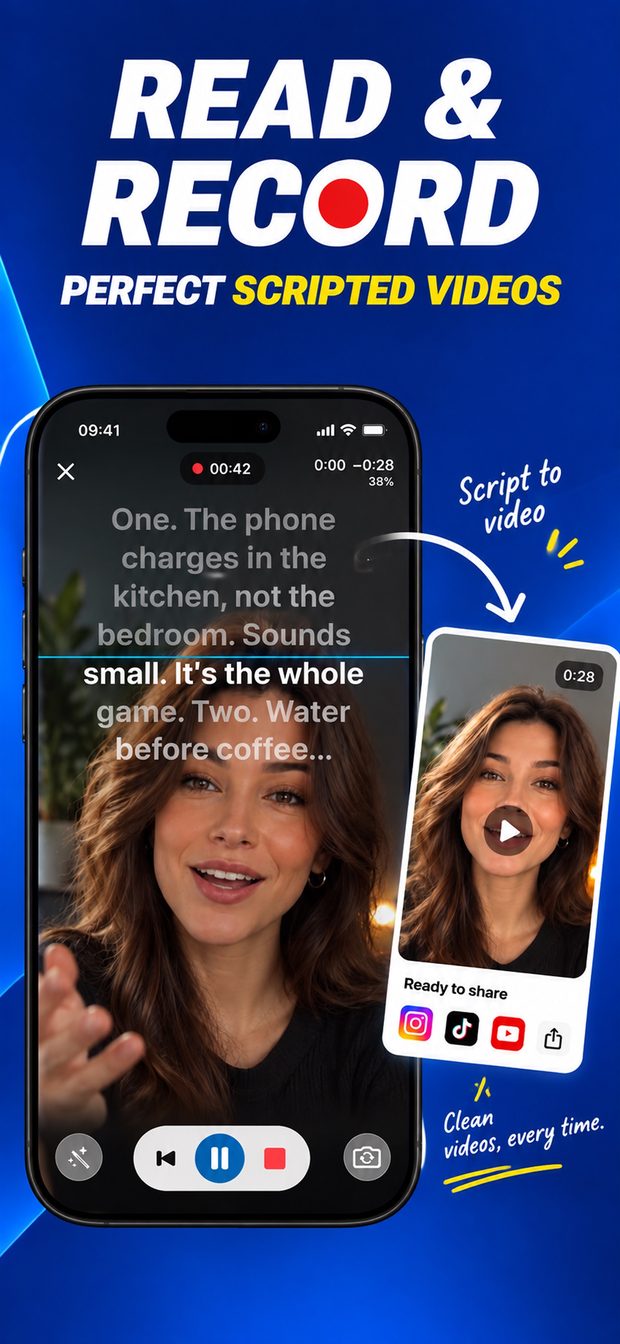
Teleprompter recording a selfie video with the script scrolling over the top of the frame and a finished take ready to share Save, caption, share
Find the take in Recordings or Photos and export an .srt caption file if you need subtitles.
What this cannot do
- iPhone only, iOS 16 or later; the interface is in English.
- The free version stores one script of your own; unlimited scripts and file import need Pro.
- Reading under the front camera reduces eye movement but does not remove it; for exact eye-line on long reads, a beam-splitter rig is the professional option.
Questions people ask
Can I record with the back camera and still see the script?
Yes. You can film with the front or back camera; with the back camera the script is for a second person holding the phone, or send it to another screen over AirPlay or HDMI.

Teleprompter: Script to Video
Script under the camera that follows your voice; record in 4K, export captions.