How to record 16:9 and 9:16 video at the same time on iPhone
Hold the phone upright, record once, and Dual Camera saves two files of the same moment: a tall 9:16 for Reels, Shorts and TikTok and a wide 16:9 for YouTube. An on-screen guide shows exactly which band of the vertical frame ends up in the wide file while you shoot, so nothing important is cut off later. This dual-format output is part of the free tier.
Why one take in two shapes beats cropping afterwards
Cropping a vertical clip to 16:9 in an editor throws away most of the image and leaves a soft, upscaled result; cropping a horizontal clip to 9:16 cuts off whatever was at the sides. Recording twice fixes the quality but not the moment — a reaction or a live event only happens once.
Dual Camera's answer is to decide the wide crop while recording. You see a 16:9 guide over the vertical viewfinder, frame the subject inside it, and the app writes the wide file from that band and the tall file from the full frame. Both are saved to the Photo Library from the same take.

Which mode to use
Single mode is the one built for this: one lens, saved in two shapes. Dual mode records two rear lenses together and Front/Back records both sides of the phone at once — see how to record the front and back camera at the same time. The mode selector sits at the bottom of the screen.
| Mode | What it records | Typical use |
|---|---|---|
| Single | One lens, saved as 16:9 and 9:16 | Vlogs, travel clips, anything you will post to both YouTube and Shorts |
| Dual | Two rear lenses at once | Wide and close-up of the same scene |
| Front/Back | Front and back camera together, picture-in-picture | Reactions, interviews, talking-head vlogs |
Quality and limits
The free tier records 1080p at 30 fps and includes the 16:9 plus 9:16 dual format, the grid, the crop guide and front-camera mirroring, with no time limit and no account. Premium adds 4K and 60 fps recording, removes the small corner watermark and switches off ads.
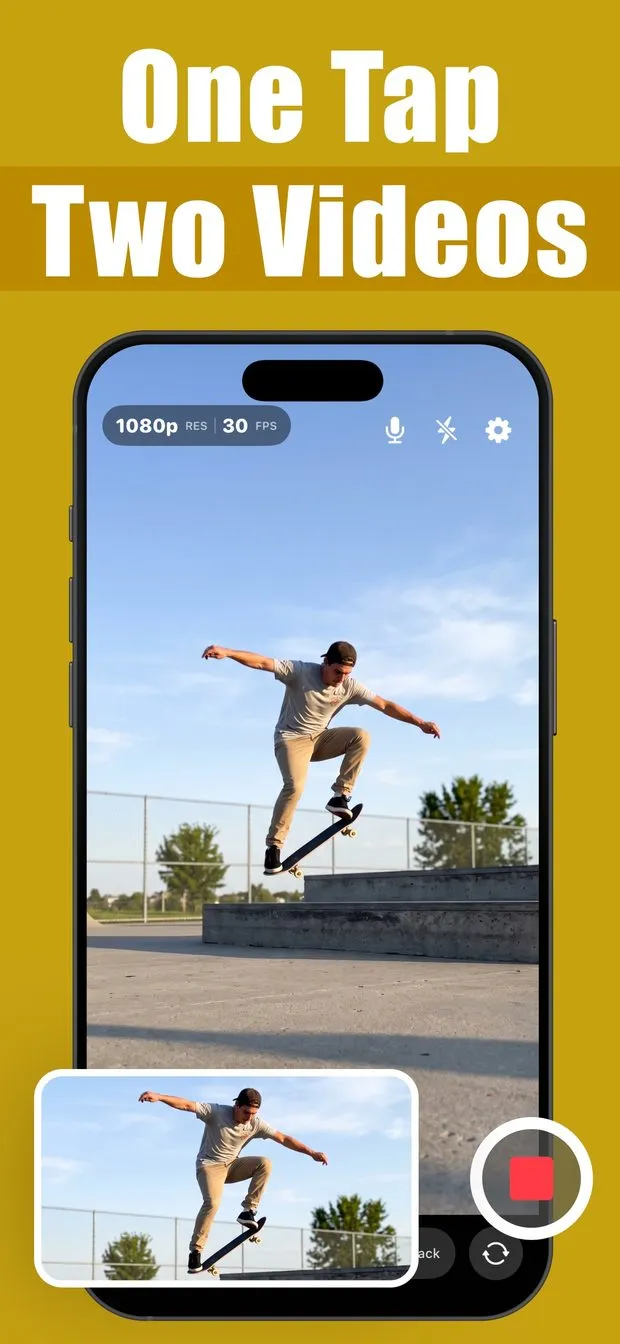
Record one take as 16:9 and 9:16
Open Dual Camera and choose Single
Single mode records one lens and saves it in both shapes. Dual and Front/Back are for two-camera recordings.
Frame the subject inside the 16:9 guide
The guide marks the band of the vertical frame that becomes the wide file. Keep faces and action inside it; everything above and below still appears in the tall file.
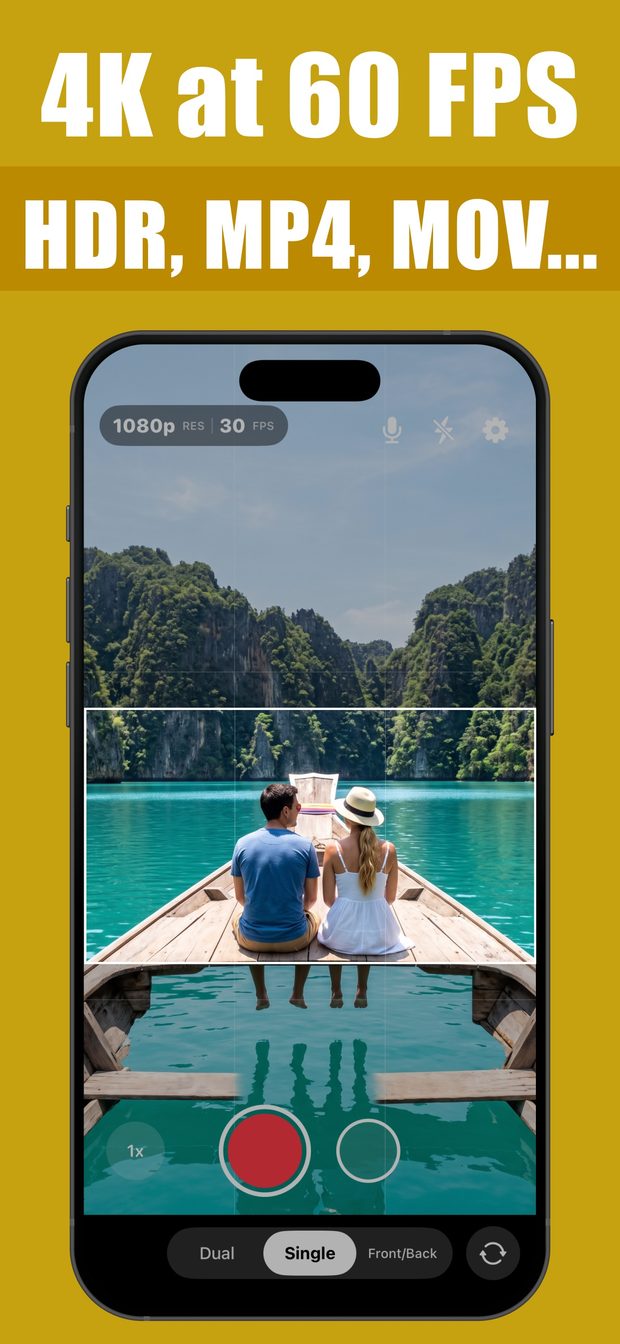
Single mode with the on-screen 16:9 crop guide marking which part of the vertical frame the wide file will keep Record, then stop
Two videos land in your Photo Library: the tall 9:16 and the wide 16:9 of the same take.
Post each where it belongs
Tall to Reels, Shorts, TikTok and Stories; wide to YouTube, a website or a TV.
What this cannot do
- The wide file is a crop of the vertical frame, so it uses the sensor's middle band rather than the full width a landscape recording would capture.
- Free files are 1080p at 30 fps with a watermark; 4K and 60 fps are premium.
- The two files are saved separately; the app does not produce a single side-by-side or split-screen export of both shapes.
- iPhone only, iOS 16.0 or later.
Questions people ask
Can you record horizontal and vertical video at the same time on iPhone?
Not with the built-in Camera app, which saves one orientation per recording. Dual Camera's Single mode records once and saves both a 16:9 and a 9:16 file from the same take, with a guide showing the wide crop while you shoot.
Does the 16:9 file lose quality?
It is a crop of the vertical frame rather than an upscale, so it keeps the recorded pixel density inside the guide band. Recording at 4K (premium) gives the crop more pixels to work with than 1080p.

Dual Camera: Front Back PiP
Front and back camera in one PiP video, one take saved as 16:9 and 9:16.